

WordPress has become a household name in the world of website creation, powering millions of sites across the globe. From personal blogs to corporate websites, e-commerce stores to online portfolios, WordPress offers a versatile platform that caters to beginners and seasoned developers alike. This comprehensive guide dives into the history, features, benefits, and practical applications of WordPress, providing a detailed look at why it remains a top choice for website development in 2025.
The Origins and Evolution of WordPress
WordPress began in 2003 as a simple blogging platform, born from a desire to create a user-friendly tool for sharing content online. Matt Mullenweg and Mike Little forked an existing project called b2/cafelog, transforming it into what we now know as WordPress. The first version, released in May 2003, was basic but laid the foundation for a platform that would grow exponentially.
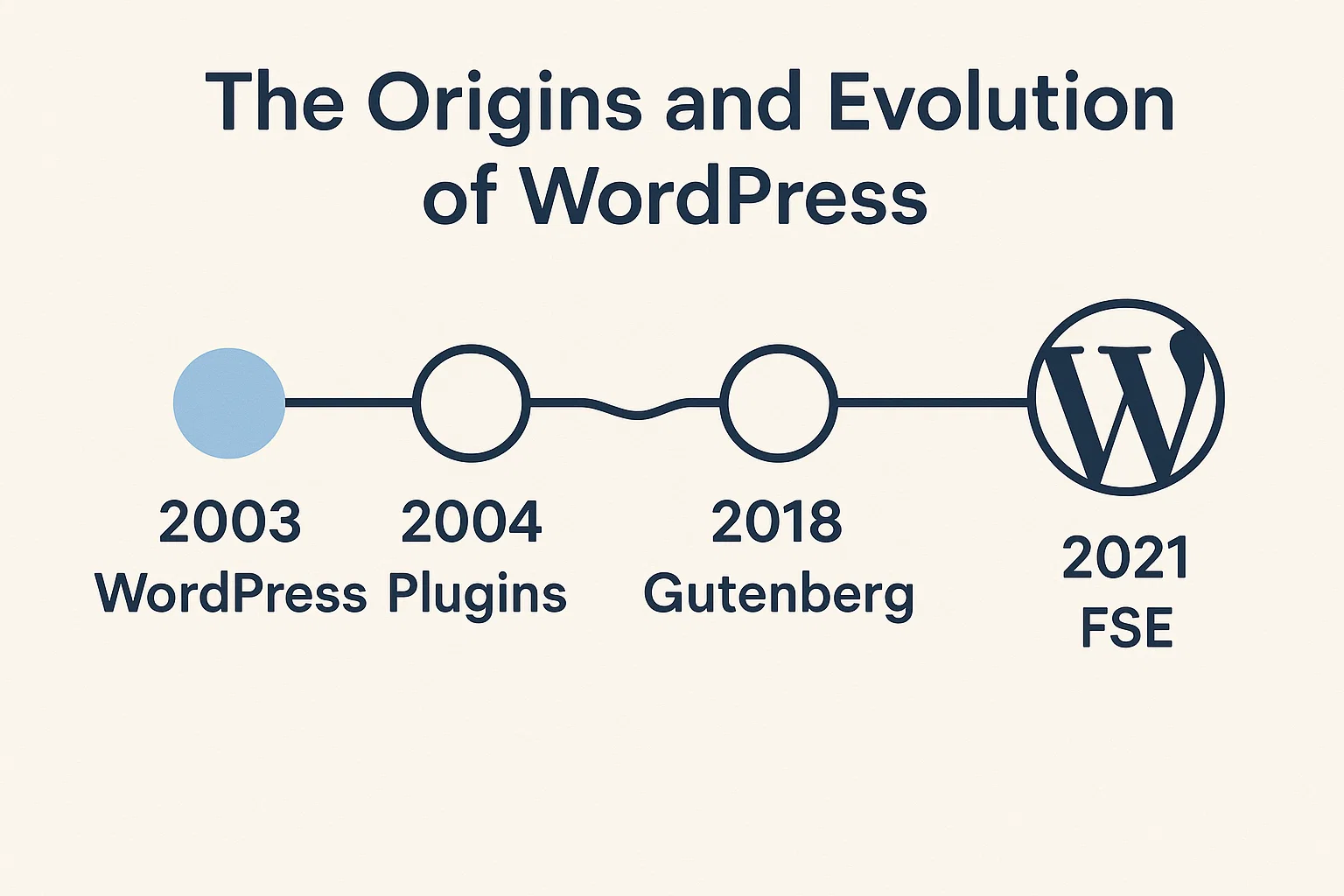
Over the years, WordPress evolved from a blogging tool into a full-fledged content management system (CMS). The introduction of themes and plugins allowed users to customize their sites extensively, while the open-source nature of the platform encouraged a global community of developers to contribute to its growth. By 2025, WordPress powers over 40% of the web, a testament to its adaptability and enduring appeal.
The platform’s evolution has been marked by regular updates, with major releases introducing features like the Gutenberg block editor, enhanced security protocols, and improved performance. WordPress has stayed relevant by embracing modern web technologies, such as responsive design and integration with tools like REST API, making it a go-to choice for developers and non-technical users alike.
Why Choose WordPress?
WordPress stands out in a crowded field of website-building platforms due to its flexibility, ease of use, and robust ecosystem. Here’s a closer look at why it continues to dominate:
User-Friendly Interface
One of WordPress’s greatest strengths is its intuitive interface. Even those with no coding experience can create a functional website using the dashboard, which allows users to manage content, customize designs, and add functionality with minimal effort. The Gutenberg editor, introduced in 2018, revolutionized content creation by offering a block-based system that lets users drag and drop elements like text, images, and videos to build pages visually.
Open-Source and Free
WordPress.org is open-source, meaning its core software is free to use and modify. This accessibility makes it an attractive option for individuals, small businesses, and large enterprises alike. The open-source community ensures constant improvements, with developers worldwide contributing plugins, themes, and updates to keep the platform secure and cutting-edge.
Extensive Customization Options
With thousands of themes and plugins available, WordPress allows users to create virtually any type of website. Themes control the visual appearance, while plugins add functionality, such as e-commerce capabilities, SEO optimization, or social media integration. Whether you’re building a blog, an online store, or a membership site, WordPress offers tools to tailor your site to your specific needs.
Scalability
WordPress scales effortlessly, accommodating sites of all sizes. A small personal blog can run on the same platform as a high-traffic e-commerce site. With proper hosting and optimization, WordPress can handle thousands of visitors daily, making it suitable for businesses that anticipate growth.
SEO-Friendly
Search engine optimization is critical for online visibility, and WordPress excels in this area. Its clean code, mobile responsiveness, and plugins like Yoast SEO or Rank Math make it easy to optimize content for search engines. Features like customizable permalinks, meta descriptions, and alt text for images ensure your site ranks well on Google and other search platforms.
Community Support
The WordPress community is vast and active, offering resources like forums, tutorials, and meetups. Whether you’re troubleshooting an issue or seeking inspiration, you’ll find answers through the official WordPress.org forums, Reddit, or local WordCamp events. This sense of community makes WordPress approachable for beginners and experts alike.
WordPress.com vs. WordPress.org
A common point of confusion is the difference between WordPress.com and WordPress.org. Understanding the distinction is crucial for choosing the right platform for your needs.
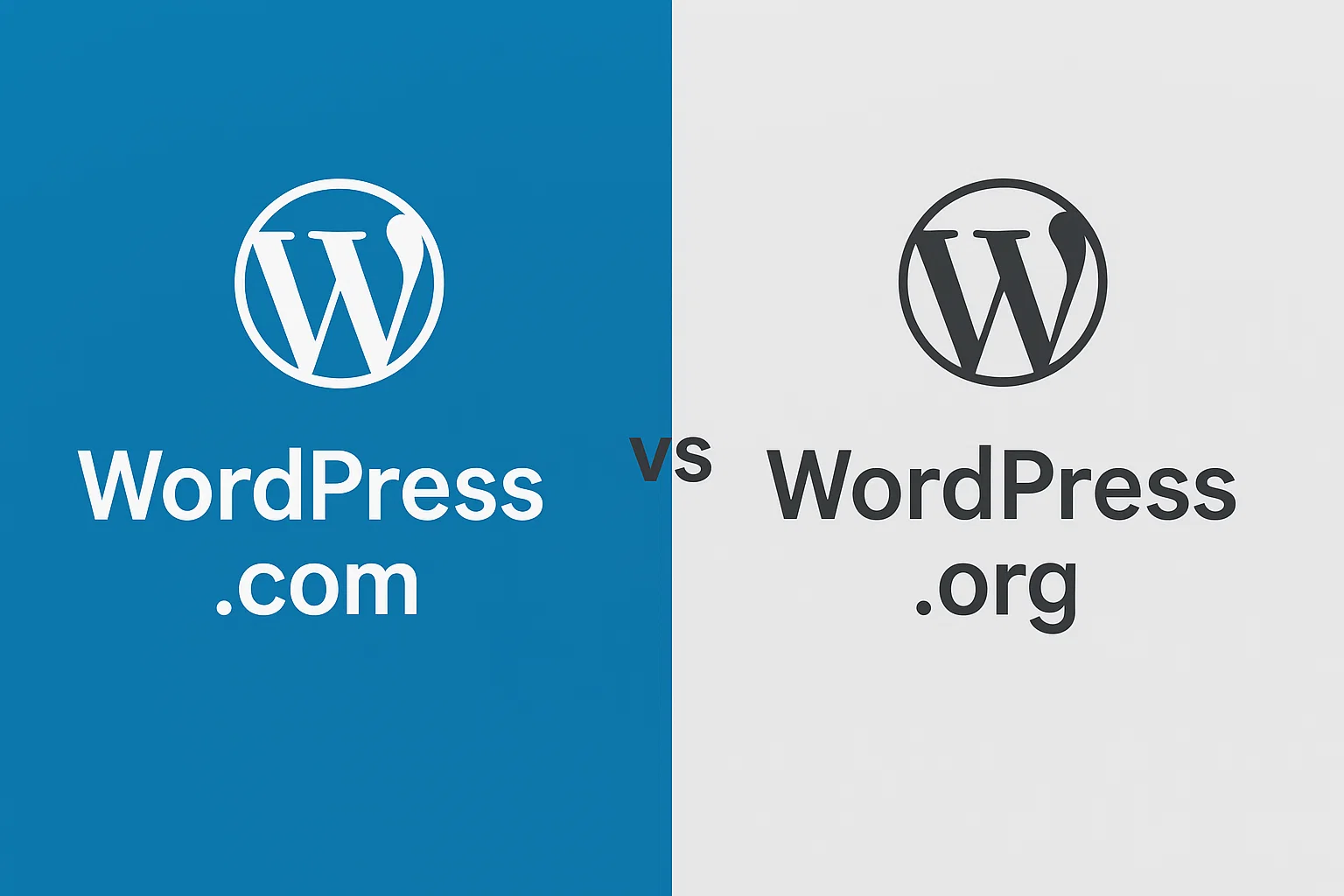
WordPress.com is a hosted solution, meaning your site lives on WordPress’s servers. It’s ideal for beginners who want a quick setup without worrying about hosting or maintenance. However, it comes with limitations, such as restricted plugin and theme usage on lower-tier plans and less control over customization.
WordPress.org, on the other hand, is self-hosted. You download the software and install it on your own server, giving you full control over every aspect of your site. This option requires more technical know-how, as you’ll need to manage hosting, domain registration, and updates. However, it offers unparalleled flexibility, making it the preferred choice for developers and businesses.
For most users, WordPress.org is the better option if you’re serious about building a professional website. It allows you to install custom themes and plugins, access advanced features, and own your data. WordPress.com, meanwhile, is better suited for hobbyists or those who want a low-maintenance solution.
Setting Up a WordPress Site
Getting started with WordPress is straightforward, especially with the wealth of resources available. Here’s a step-by-step guide to launching your site:
Choose a Hosting Provider
For WordPress.org, you’ll need a hosting provider. Popular options include Bluehost, SiteGround, and WP Engine, each offering WordPress-specific plans with one-click installation, automatic updates, and customer support. Consider factors like speed, uptime, and scalability when choosing a host.
Register a Domain Name
Your domain name is your site’s address (e.g., www.yoursite.com). Many hosting providers offer domain registration, or you can use services like GoDaddy or Namecheap. Choose a domain that’s memorable, relevant to your brand, and easy to spell.
Install WordPress
Most hosting providers offer a one-click WordPress installation. Once installed, you’ll access the WordPress dashboard via yourdomain.com/wp-admin. From here, you can configure settings, choose a theme, and start building your site.
Select a Theme
Themes determine your site’s appearance. WordPress.org’s theme repository offers thousands of free options, while premium marketplaces like ThemeForest provide advanced designs. Look for a theme that’s responsive, lightweight, and aligns with your brand’s aesthetic.
Install Essential Plugins
Plugins extend WordPress’s functionality. Some must-haves include Yoast SEO for search optimization, WooCommerce for e-commerce, and WPForms for contact forms. Be selective with plugins to avoid slowing down your site.
Create Content
With your site set up, start adding content. Use the Gutenberg editor to create pages (e.g., Home, About, Contact) and blog posts. Organize your content with categories and tags to improve navigation and SEO.
Optimize for Performance
Site speed is critical for user experience and SEO. Use plugins like WP Rocket or W3 Total Cache to optimize performance. Compress images with tools like Smush or ShortPixel, and choose a hosting provider with strong server capabilities.
Key Features of WordPress in 2025
WordPress continues to innovate, and in 2025, it offers a range of features that make it a powerhouse for website creation:
Gutenberg Block Editor
The Gutenberg editor has matured into a robust tool for building dynamic layouts. With blocks for everything from paragraphs to galleries to widgets, it offers a WYSIWYG (What You See Is What You Get) experience that rivals dedicated page builders like Elementor or Divi.
Full Site Editing
Introduced in recent years, full site editing allows users to customize every aspect of their site—headers, footers, sidebars, and more—using the block editor. This feature makes WordPress more competitive with platforms like Wix or Squarespace, offering drag-and-drop simplicity without sacrificing flexibility.
Enhanced Security
Security is a priority for WordPress, with regular updates addressing vulnerabilities. Plugins like Wordfence and iThemes Security add layers of protection, while hosting providers often include features like SSL certificates and automated backups.
E-Commerce Capabilities
WooCommerce, the leading e-commerce plugin for WordPress, powers millions of online stores. It supports everything from product listings to payment gateways to shipping integrations. In 2025, WooCommerce continues to evolve with features like AI-driven product recommendations and seamless mobile checkout.
Multilingual Support
For global audiences, plugins like WPML and Polylang make it easy to create multilingual sites. This is particularly useful for businesses targeting international markets or bloggers with diverse readerships.
Best Practices for Managing a WordPress Site
Running a WordPress site requires ongoing maintenance to ensure performance, security, and user satisfaction. Here are some best practices:
Keep Everything Updated
Regularly update WordPress core, themes, and plugins to benefit from the latest features and security patches. Most hosting providers offer automatic updates, but always back up your site before updating.
Prioritize Security
Use strong passwords, enable two-factor authentication, and install a security plugin. Regularly scan your site for malware and monitor for suspicious activity. Limit login attempts to prevent brute-force attacks.
Optimize for Mobile
With mobile traffic accounting for over half of web visits, ensure your site is responsive. Test your theme and content on multiple devices to guarantee a seamless experience.
Back Up Regularly
Use plugins like UpdraftPlus or BackupBuddy to schedule automatic backups. Store backups in multiple locations, such as cloud services (Google Drive, Dropbox) and your hosting provider.
Monitor Performance
Tools like Google PageSpeed Insights and GTmetrix help identify areas for improvement. Optimize images, enable caching, and consider a content delivery network (CDN) like Cloudflare to boost speed.
Engage Your Audience
Encourage interaction through comments, social media integration, and email newsletters. Plugins like Mailchimp for WordPress make it easy to build and manage subscriber lists.
Common Challenges and How to Overcome Them
While WordPress is user-friendly, it’s not without challenges. Here’s how to address common issues:
Slow Loading Times
Heavy themes, unoptimized images, or too many plugins can slow your site. Use lightweight themes, compress images, and limit plugins to essential ones. A quality hosting provider also makes a significant difference.
Security Vulnerabilities
Outdated software or poorly coded plugins can expose your site to attacks. Stick to reputable plugins from the WordPress repository or trusted developers, and keep everything updated.
Plugin Conflicts
Plugins can sometimes conflict, causing errors. Test new plugins on a staging site before activating them on your live site. If issues arise, deactivate plugins one by one to identify the culprit.
Learning Curve
While WordPress is beginner-friendly, advanced customization may require technical knowledge. Online resources like WPBeginner, YouTube tutorials, and WordPress Codex can help you master the platform.
The WordPress Ecosystem: Themes, Plugins, and More
The WordPress ecosystem is one of its greatest assets. Here’s a closer look at its key components:
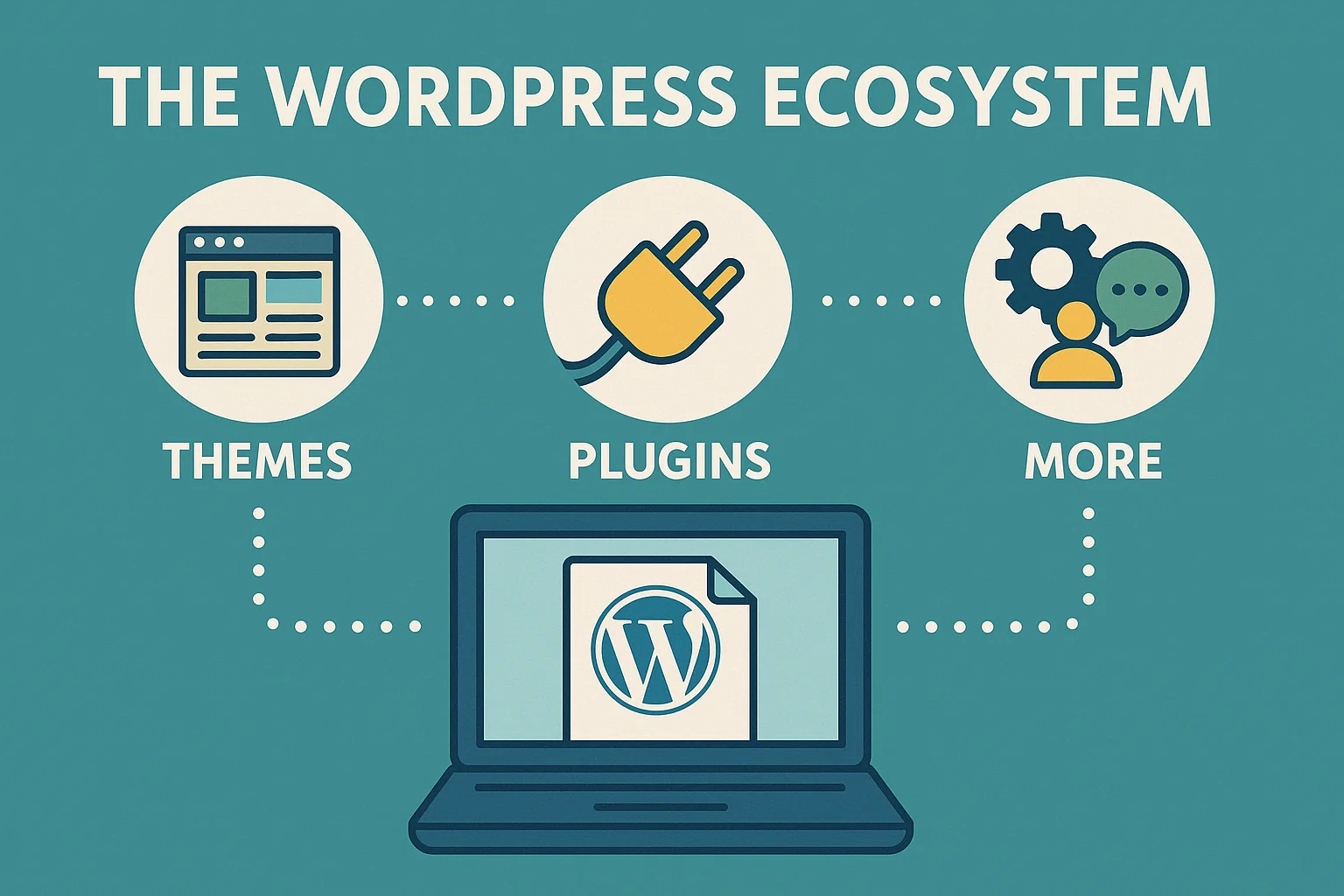
Themes
Free themes like Astra and OceanWP offer flexibility and performance, while premium themes like Avada and Divi provide advanced features like built-in page builders. When choosing a theme, prioritize speed, responsiveness, and compatibility with your plugins.
Plugins
With over 50,000 plugins in the WordPress repository, there’s a solution for nearly every need. Popular categories include SEO (Yoast, Rank Math), security (Wordfence, Sucuri), and performance (WP Rocket, LiteSpeed Cache). Always check reviews and update history before installing.
Hosting
WordPress-specific hosting providers like SiteGround, Kinsta, and WP Engine offer optimized environments for speed and security. Shared hosting is cost-effective for small sites, while managed hosting is ideal for high-traffic or complex sites.
Community Resources
The WordPress community offers endless learning opportunities. Blogs like WPBeginner and Smashing Magazine provide tutorials, while WordCamps and local meetups foster networking and knowledge-sharing.
WordPress for Different Use Cases
WordPress’s versatility makes it suitable for a wide range of applications:
Blogging
WordPress started as a blogging platform, and it remains unmatched in this area. Features like categories, tags, and RSS feeds make it easy to organize and distribute content. Plugins like Jetpack enhance social sharing and analytics.
E-Commerce
WooCommerce transforms WordPress into a powerful e-commerce platform. You can sell physical or digital products, manage inventory, and integrate with payment processors like PayPal and Stripe. Extensions like WooCommerce Subscriptions add advanced functionality for recurring payments.
Portfolios
Artists, photographers, and freelancers can showcase their work with portfolio themes and plugins like Envira Gallery or NextGEN Gallery. These tools allow you to create stunning galleries with minimal effort.
Membership Sites
Plugins like MemberPress and Restrict Content Pro enable you to create subscription-based sites, ideal for online courses, premium content, or community platforms.
Business Websites
WordPress is perfect for small businesses, offering professional themes and plugins for booking systems, customer support, and lead generation. Its scalability ensures your site grows with your business.
The Future of WordPress
As of 2025, WordPress continues to evolve to meet the demands of modern web development. The focus on full site editing and block-based design is making WordPress more accessible to non-developers, while integrations with AI tools and progressive web apps (PWAs) are keeping it competitive. The platform’s commitment to accessibility ensures it remains inclusive, with features like screen reader compatibility and keyboard navigation.
The rise of headless WordPress, where the platform serves as a backend with a separate frontend (e.g., React or Vue.js), is gaining traction among developers. This approach offers greater flexibility for building fast, dynamic sites while leveraging WordPress’s robust CMS capabilities.
Sustainability is another focus, with the WordPress community advocating for eco-friendly hosting and optimized code to reduce carbon footprints. As the web evolves, WordPress is poised to remain a leader by balancing innovation with its core principles of simplicity and flexibility.
Conclusion
WordPress is more than just a CMS—it’s a gateway to creating a professional, functional, and visually appealing online presence. Its ease of use, vast ecosystem, and scalability make it a top choice for beginners and experts alike. Whether you’re launching a blog, an online store, or a corporate website, WordPress offers the tools and community support to bring your vision to life.
By following best practices, staying updated, and leveraging the platform’s extensive resources, you can build a site that not only meets your goals but also thrives in the competitive digital landscape. As WordPress continues to innovate, it remains a powerful, accessible, and future-proof solution for website creation in 2025 and beyond.
Discover Related Stories You’ll Love – How Generative AI is shaping the Future of Financial Risk Management